Making a presentation can feel stressful. You need to think about content, design, images, and structure. Sometimes it takes hours to finish just 10 slides. But now, AI tools can help you create full presentations in minutes.
These tools are simple to use. You just type your topic or paste your content, and the AI builds slides automatically. They are helpful for students, office workers, teachers, business owners, and even content creators.
Let us look at the best AI tools you can use.
1. Beautiful.ai
Beautiful.ai helps you design clean and professional slides. When you add text or images, it automatically adjusts the layout so everything looks neat.
You do not need design knowledge. The tool chooses the right spacing, font size, and alignment.
Best for business meetings, reports, and office presentations.
2. Gamma
Gamma can create a full presentation from just a few lines of text. You type your topic, and it creates slides with headings, bullet points, and images.
It is very fast and easy to edit. You can change text, design, and style in seconds.
Good for quick presentations and idea sharing.
3. Tome
Tome works like a smart assistant. You tell it what your presentation is about, and it builds slides with content and visuals.
It is helpful when you do not know how to start. The AI gives structure and ideas.
Best for storytelling and creative presentations.
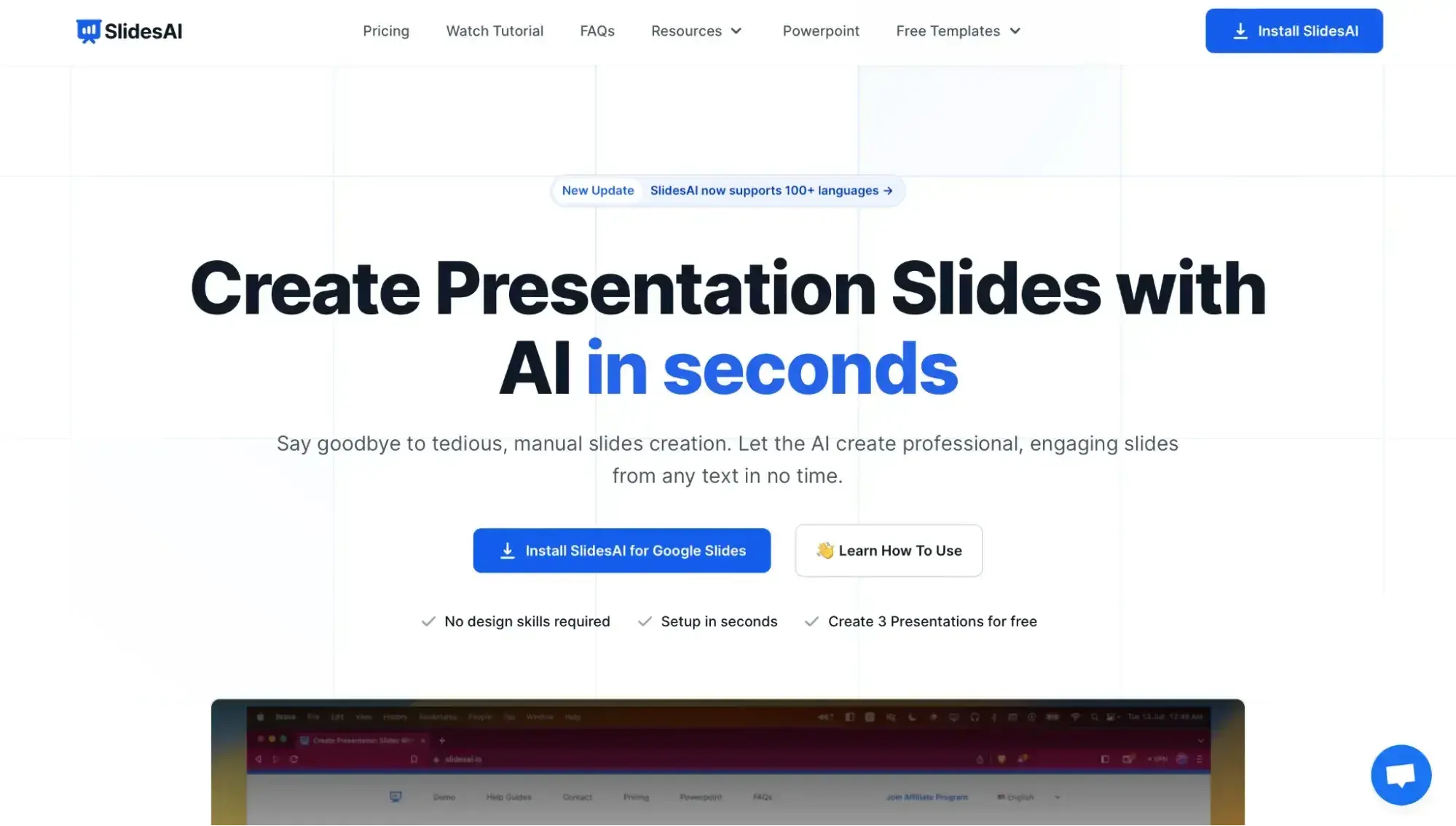
4. SlidesAI
SlidesAI works inside Google Slides. You paste your notes, and it turns them into slides.
It saves time because you do not have to create each slide manually.
Perfect for students and teachers who use Google tools.
5. Canva AI
Canva is very popular for design. Its AI feature helps you create presentations quickly. You type your topic, and it suggests ready made slides with images and text.
You can also choose from many templates and styles.
Best for attractive and colorful presentations.
6. Decktopus
Decktopus creates slides automatically and also gives suggestions for what to write next. It guides you step by step.
It is simple and beginner friendly.
How These Tools Help You
AI presentation tools are useful because:
• They save a lot of time
• They reduce stress
• They give design ideas
• They help improve writing
• They create clean and professional slides
Who Should Use AI Presentation Tools
- Students can use them for school and college projects.
- Office workers can use them for meetings and reports.
- Business owners can use them for pitch decks.
- Teachers can use them for classroom lessons.
- Anyone who needs quick and clear slides can use these tools.
Simple Tips for Better Results
Even though AI helps a lot, you should still:
• Check the content and correct mistakes
• Add your personal touch
• Keep slides simple and not too crowded
• Use clear headings and short bullet points
AI gives a strong starting point, but your final editing makes the presentation better.
Final Thoughts
AI tools are changing how we create presentations. What used to take hours can now be done in minutes. These tools are easy to use and helpful for everyone. If you want fast, simple, and professional slides, AI presentation tools are a smart choice.